Meeting Chooser for editing
Jump to navigation
Jump to search
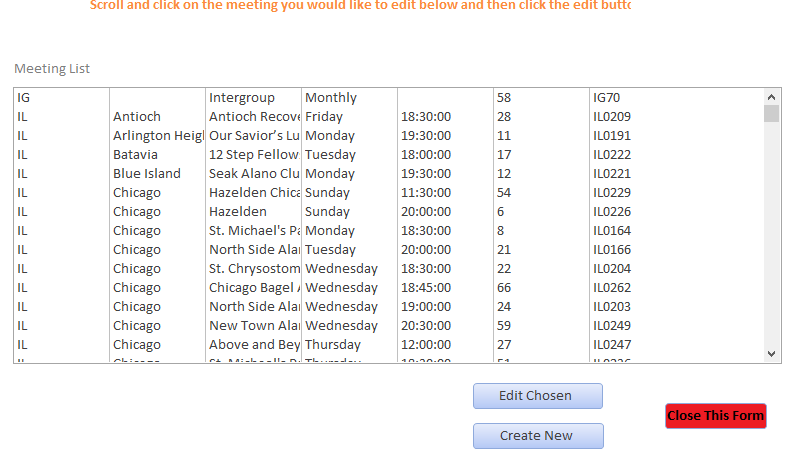

Meeting List: This list is where you choose what meeting you would like to edit. They are sorted by state, city, day of week and time (in that order). Scroll down the list and find the meeting you'd like to edit and either Double-click on the meeting you'd like or click to select and click the Edit Chosen button.
Create New: this will direct you to a new Edit Meetings page with all blank values
Close This Form: will close this form and return you to the Main Menu.
Return to Main Page
